

Chair’s Award
For more than 50 years, NAMIC has recognized one mutual property/casualty insurance industry professional for their leadership, accomplishments, and outstanding…

Service Awards
Since 1970, NAMIC has honored more than 220 individuals with the Service Award. This award recognizes individuals who have provided…

Award In Innovation
At NAMIC, we understand that innovation isn’t just about the idea – it’s also about the creation and application of…
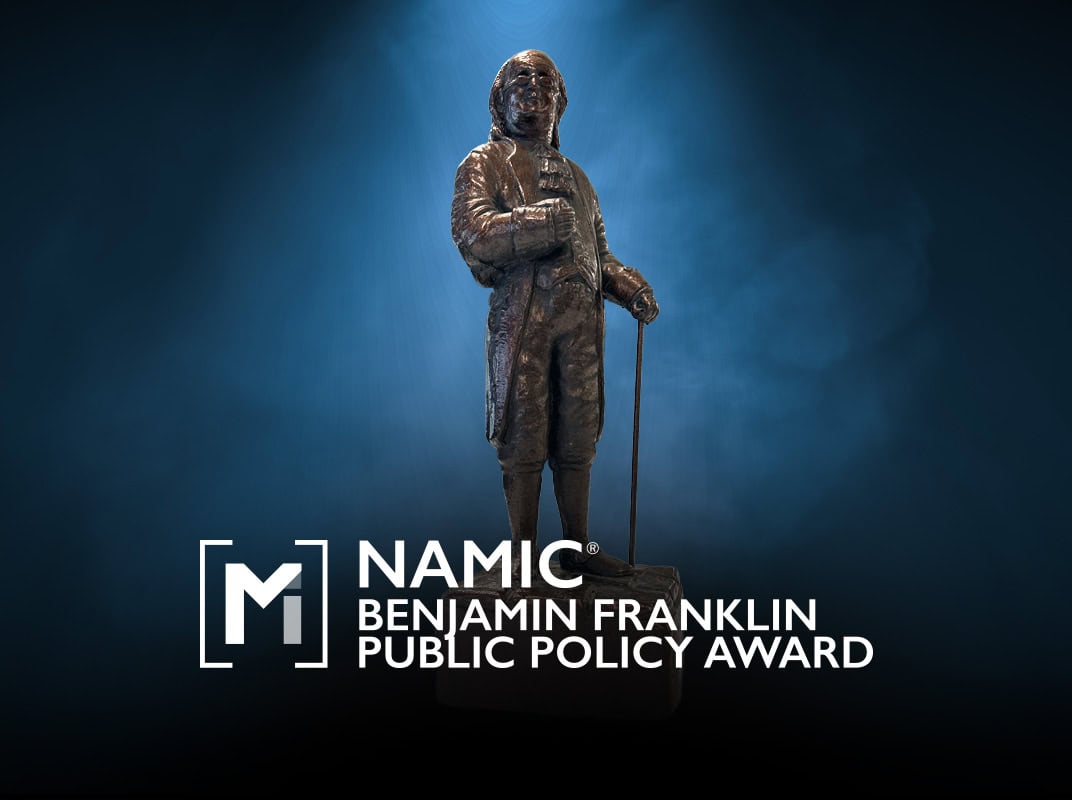
Benjamin Franklin Public Policy Award
In 1752, Benjamin Franklin, with other leading citizens of Philadelphia, founded America’s first successful mutual insurance company, The Philadelphia Contributionship…
NAMIC Legislators of the Year
Each year, NAMIC honors state and federal lawmakers who have been leaders on the issues of great importance to the…